Skip to main content

An interactive demo of theGoogle Cloud Vision API

Detect text, labels, objects, landmarks, logos, faces and explore visual features powered by AI

How it works

  • 1

    Select an image

    Pick a sample, upload an image, or enter a URL.

  • 2

    Analyze with Cloud Vision AI

    Cloud Vision AI models analyze 11 features.

  • 3

    Explore the results

    Interact with the AI-detected features.
Features list

  • Text detection

    Text detection preview

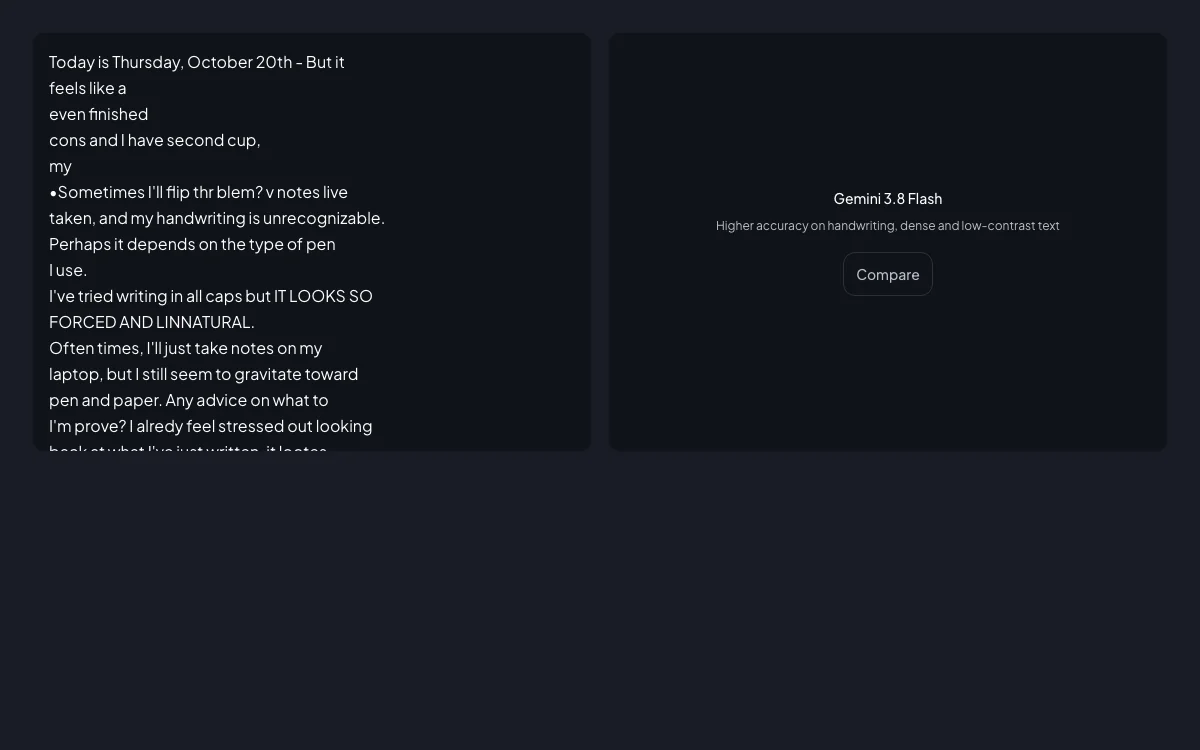
    Extracts printed and handwritten text from images using optical character recognition.

    Text detection

    Output
    • Full text & language codes
    • Word & paragraph hierarchy
    • Spatial bounding polygons
    Filters and sorting
    • Keyword search
    • Language filtering
    Limits

    Unlimited matches

    Disclaimer

    Varies by resolution and angle.

    How-to Guide
  • Label detection

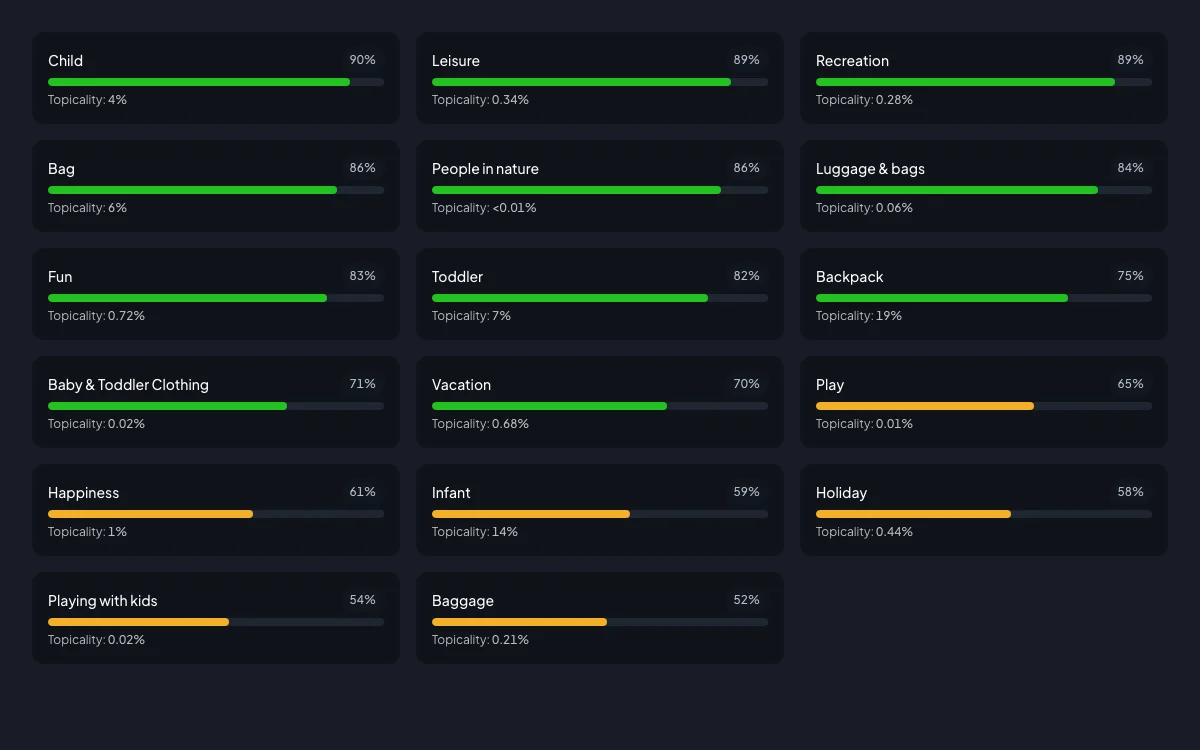
    Label detection preview

    Identifies broad categories, scenes, objects, and concepts within an image.

    Label detection

    Output
    • Descriptions & categories
    • Confidence scores (0-100%)
    • Topicality scores
    Filters and sorting
    • Keyword filter
    • MID deduplication
    • Sorted by confidence & topicality
    Limits

    Up to 50 matches

    Disclaimer

    Inferred tags, not verified truth.

    How-to Guide
  • Object detection

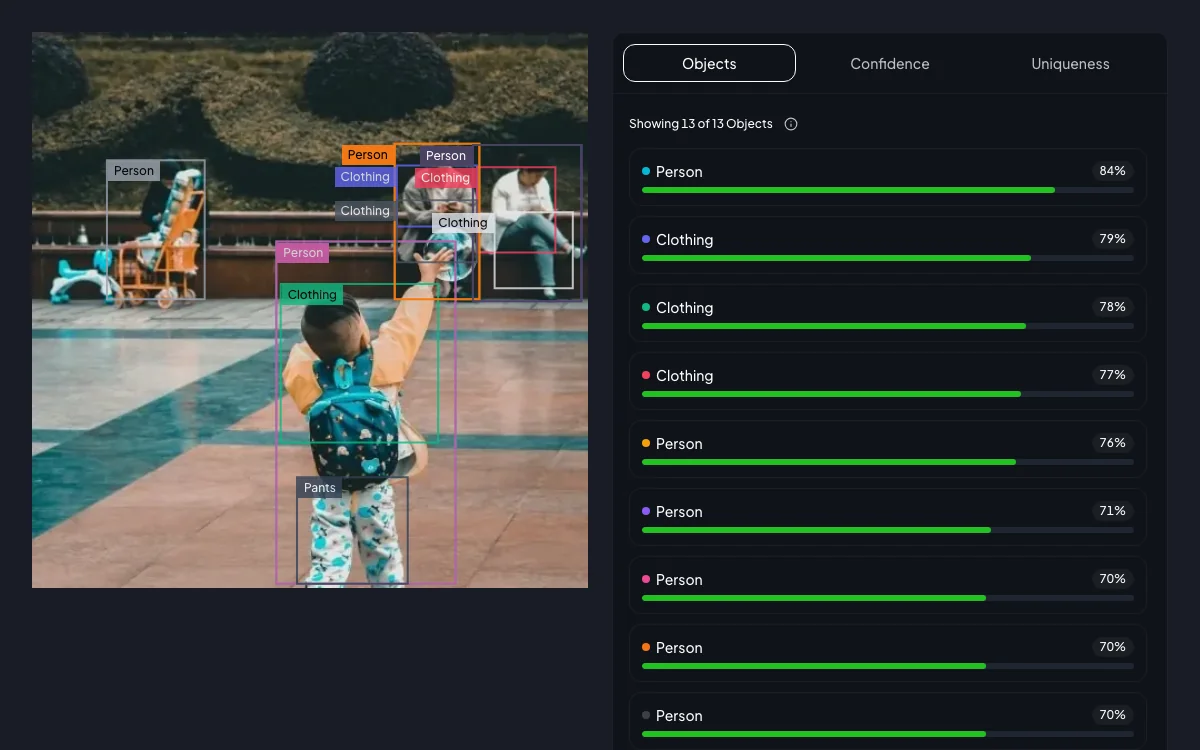
    Object detection preview

    Detects and localizes multiple physical entities with normalized boundary boxes.

    Object detection

    Output
    • Entity names & categories
    • Normalized vertices (0-1)
    • Confidence scores
    Filters and sorting
    • IoU bounding box deduplication
    • Sorted by confidence (descending)
    Limits

    Up to 50 matches

    Disclaimer

    May group adjacent or occluded items.

    How-to Guide
  • Landmark detection

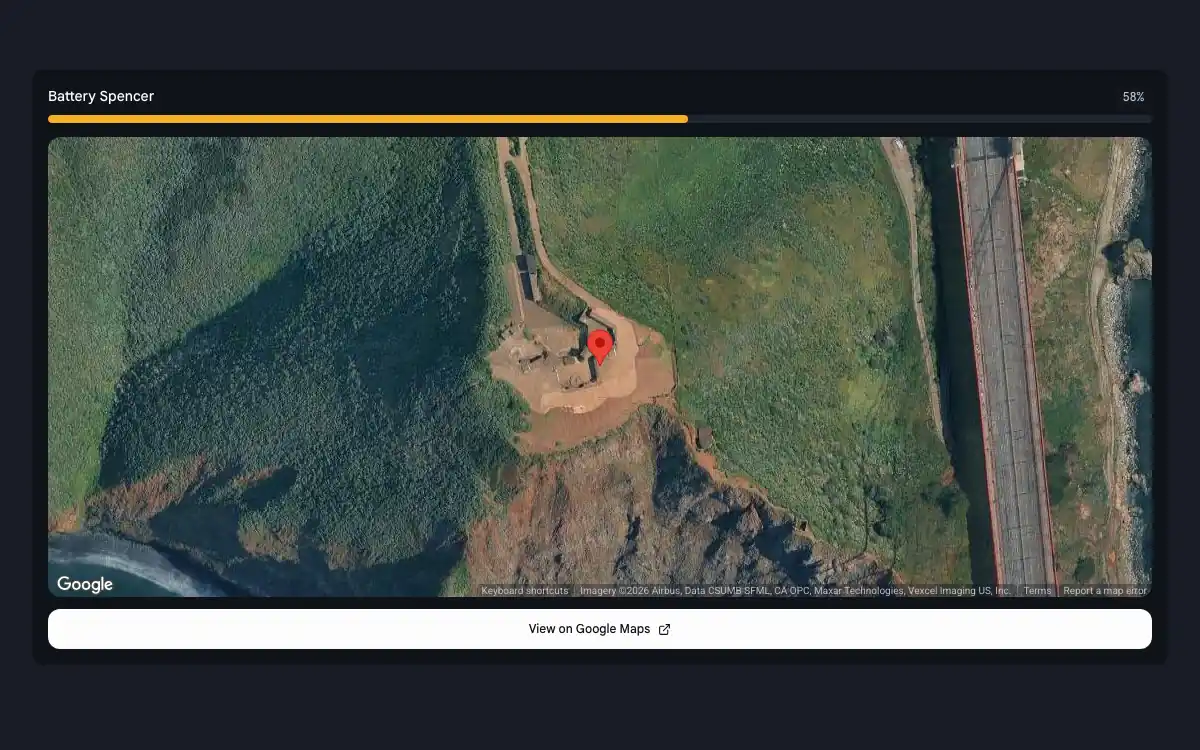
    Landmark detection preview

    Detects popular natural and human-made structures with geographic coordinates.

    Landmark detection

    Output
    • Entity names & descriptions
    • Geographic coordinates
    • Match confidence scores
    Filters and sorting
    • Interactive satellite map
    • Map marker deduplication
    • Navigation deep links
    Limits

    Varies by cataloged locations

    Disclaimer

    Limited to cataloged structures.

    How-to Guide
  • Logo detection

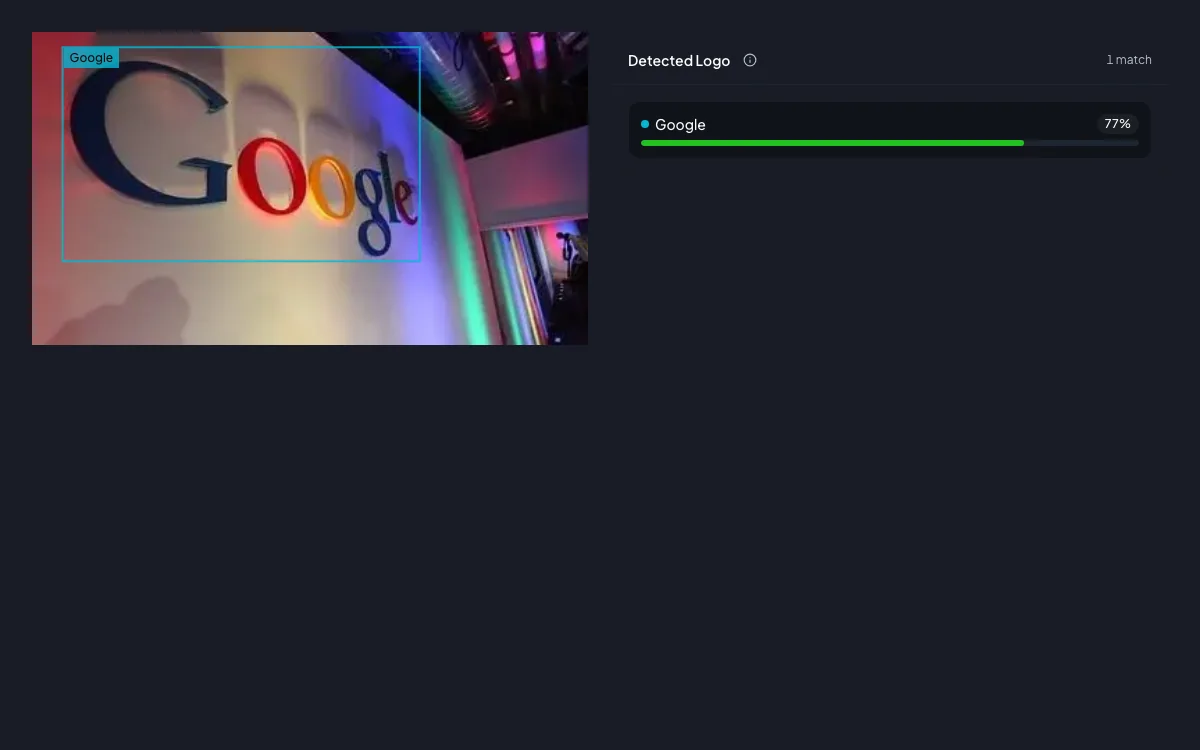
    Logo detection preview

    Detects popular corporate, commercial, and brand logos within an image.

    Logo detection

    Output
    • Recognized brand names
    • Bounding polygon coordinates
    • Detection confidence ratings
    Filters and sorting
    • Confidence score sorting
    • Knowledge Graph MID deduplication
    Limits

    Up to 50 matches

    Disclaimer

    Limited to cataloged brand marks.

    How-to Guide
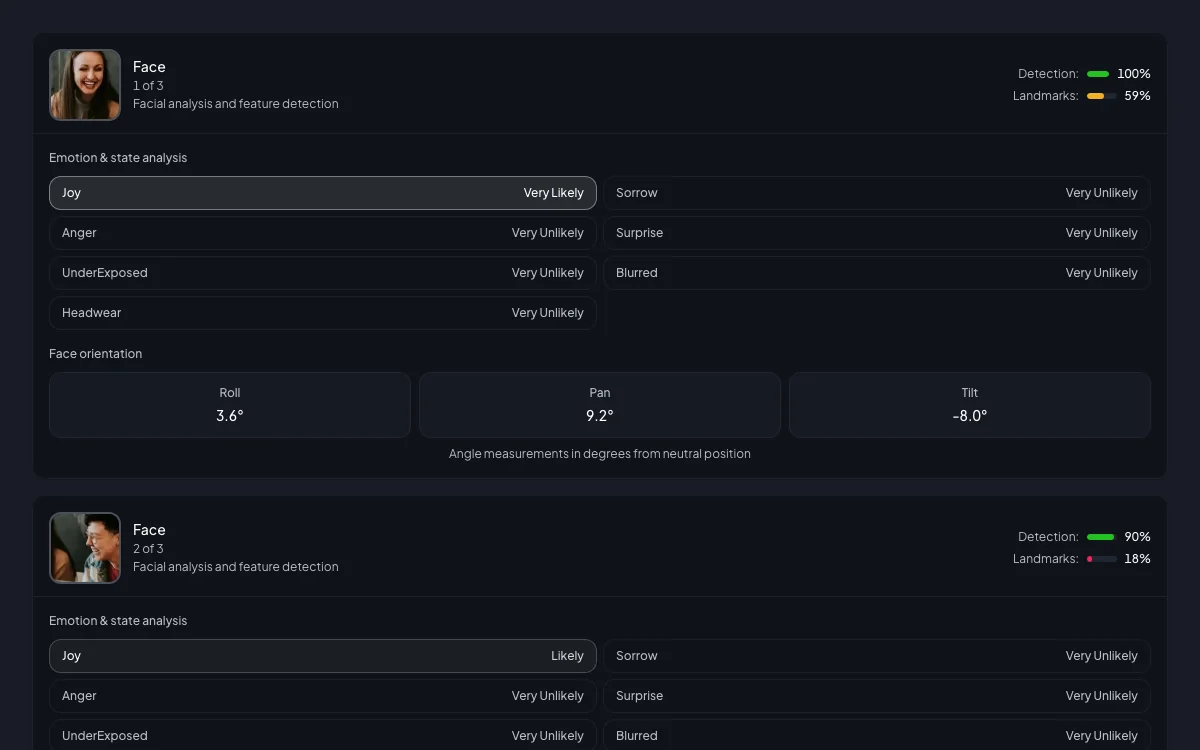
  • Face detection

    Face detection preview

    Detects faces, facial landmarks, and emotional likelihoods within an image.

    Face detection

    Output
    • Facial landmarks
    • 3D head pose orientation
    • Emotional likelihood ratings
    Filters and sorting
    • Face selection
    • Emotion intensity progress bars
    • Head pose visualization
    Limits

    Up to 50 matches

    Disclaimer

    Non-biometric; no identity matching.

    How-to Guide
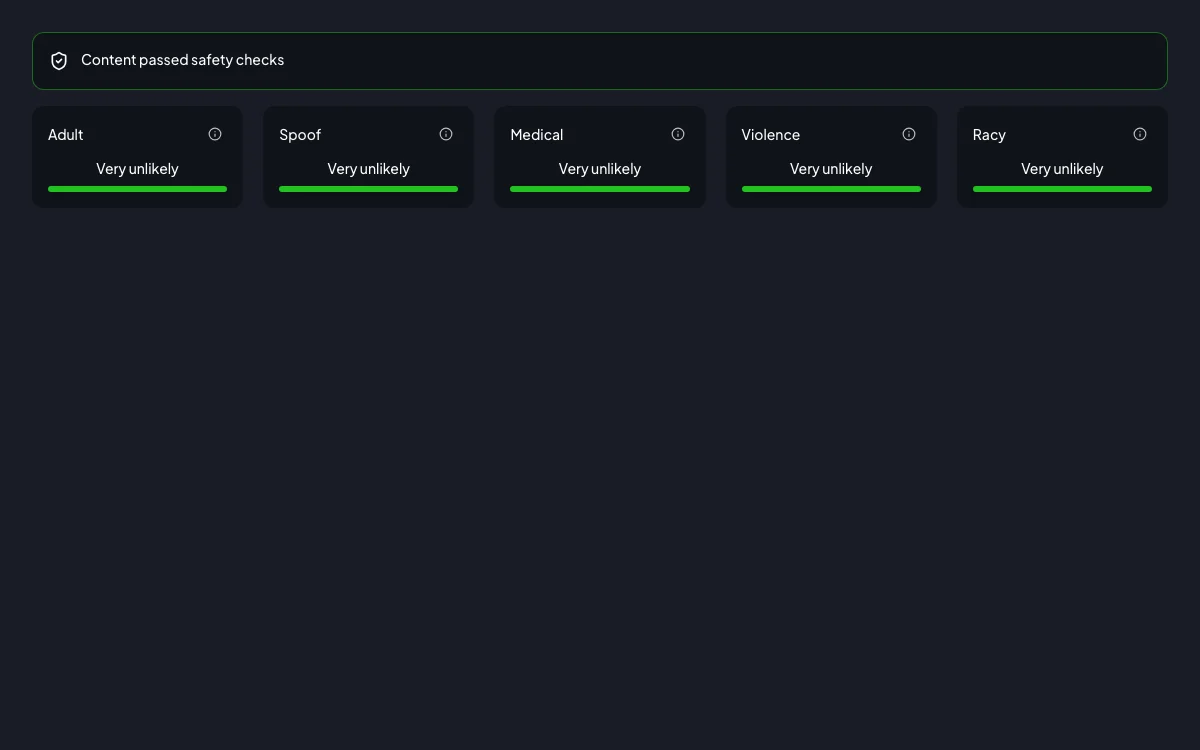
  • Explicit content detection

    Explicit content detection preview

    Detects potentially unsafe content across five safety and moderation categories.

    Explicit content detection

    Output
    • 5 safety categories
    • Likelihood ratings
    • Categorical rankings
    Filters and sorting
    • Severity filtering
    • Pass/flag screening status
    Limits

    Applies to entire image

    Disclaimer

    Probabilistic AI safety estimates.

    How-to Guide
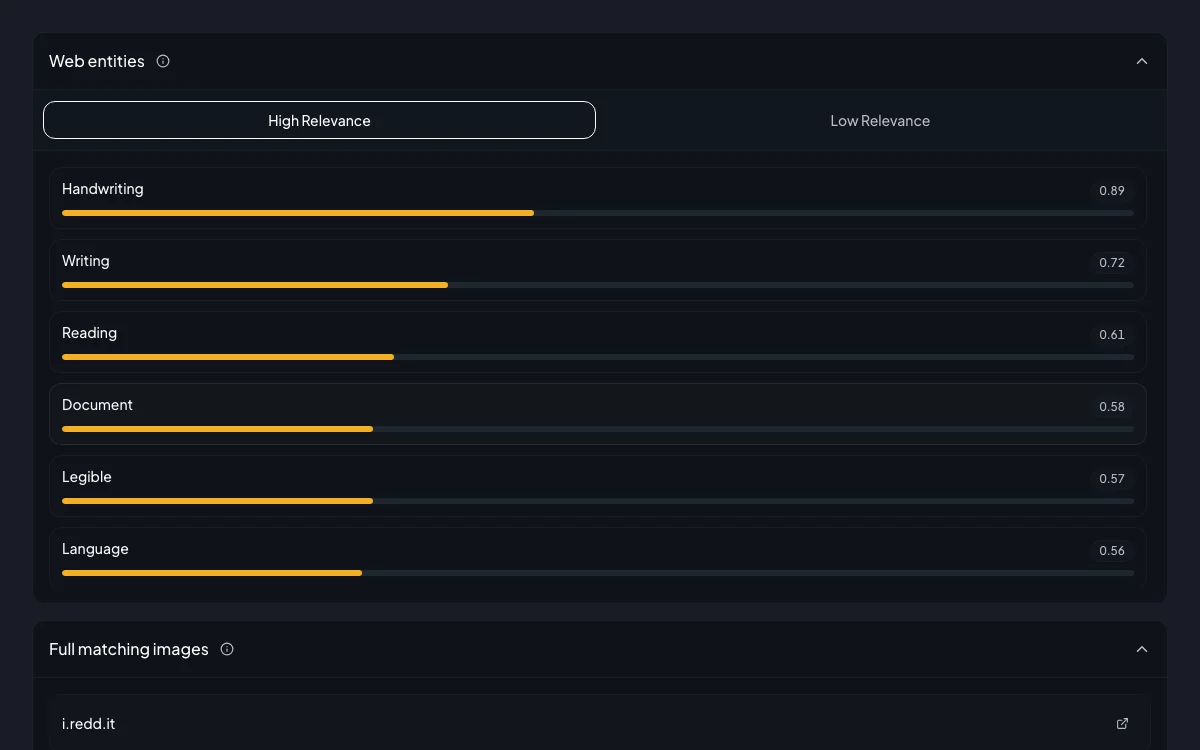
  • Web entities and pages

    Web entities and pages preview

    Searches the web for matching image references, visually similar images, and entities.

    Web entities and pages

    Output
    • Matching web pages
    • Visually similar images
    • Web entities with relevance scores
    Filters and sorting
    • Web Risk domain verification
    • Exact & partial matches
    • Relevance sorting
    Limits

    Depends on public search indices

    Disclaimer

    Links to external public web pages.

    How-to Guide
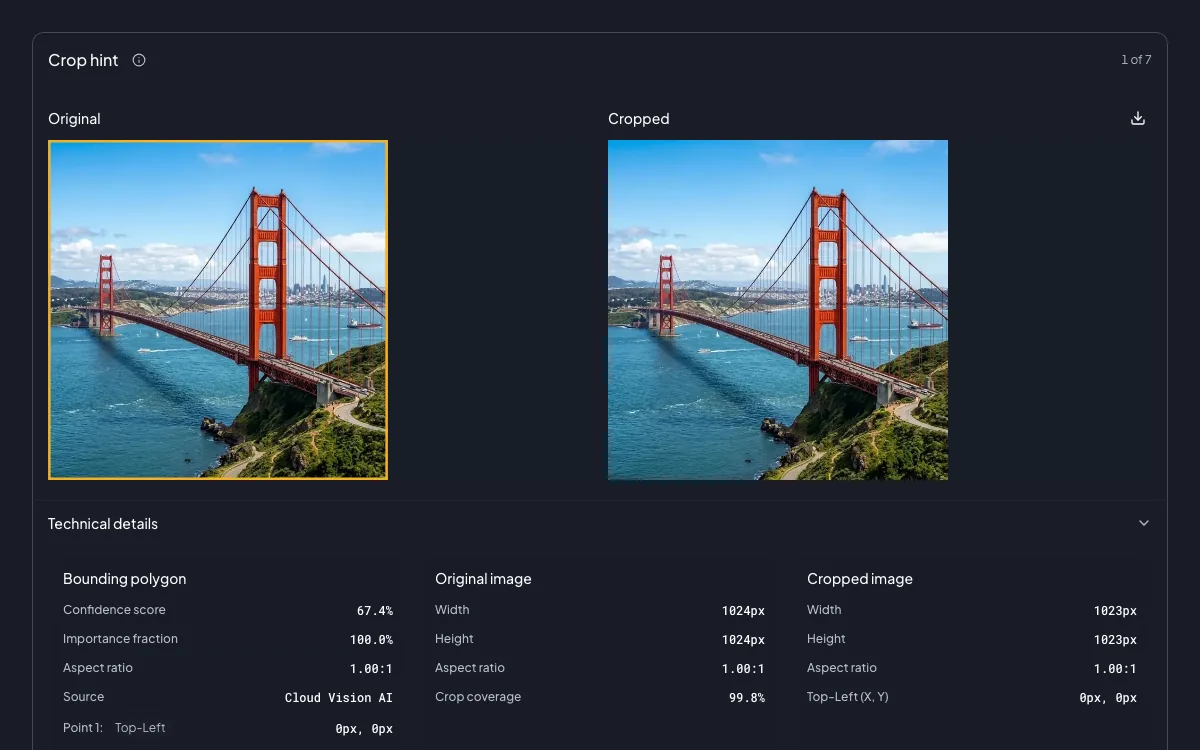
  • Crop hint detection

    Crop hint detection preview

    Suggests crop hints for specified target aspect ratios to optimize framing.

    Crop hint detection

    Output
    • Crop boundaries
    • Saliency importance fractions
    • Confidence scores
    Filters and sorting
    • Interactive aspect ratio switcher
    • Live preview canvas
    • Saliency sorting
    Limits

    Up to 16 user-specified aspect ratios

    Disclaimer

    Saliency-based framing, not artistic.

    How-to Guide
  • Image properties

    Image properties preview

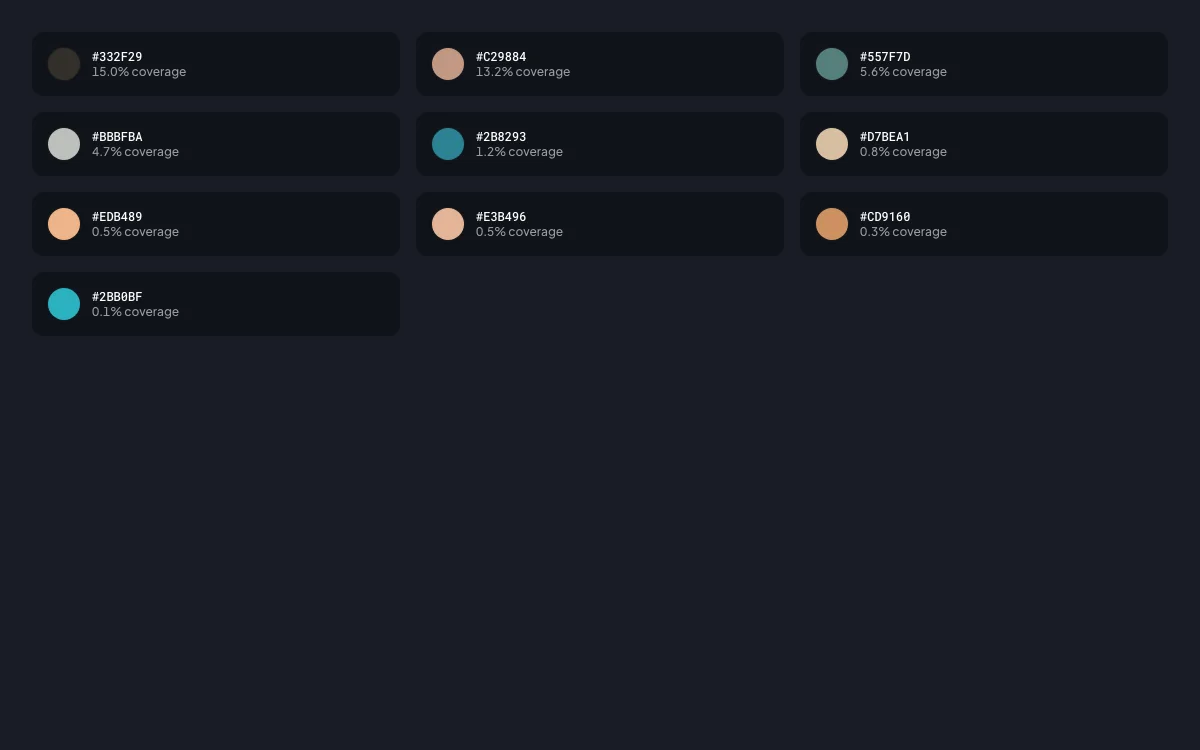
    Computes general image attributes like dominant colors and pixel coverage.

    Image properties

    Output
    • Dominant RGB colors
    • Pixel coverage percentages
    • Numerical color scores
    Filters and sorting
    • Pixel dominance sorting
    • Luminance sorting
    • WCAG contrast evaluation
    Limits

    Varies by image palette

    Disclaimer

    Visual averages across image matrix.

    How-to Guide
  • API response

    API response preview

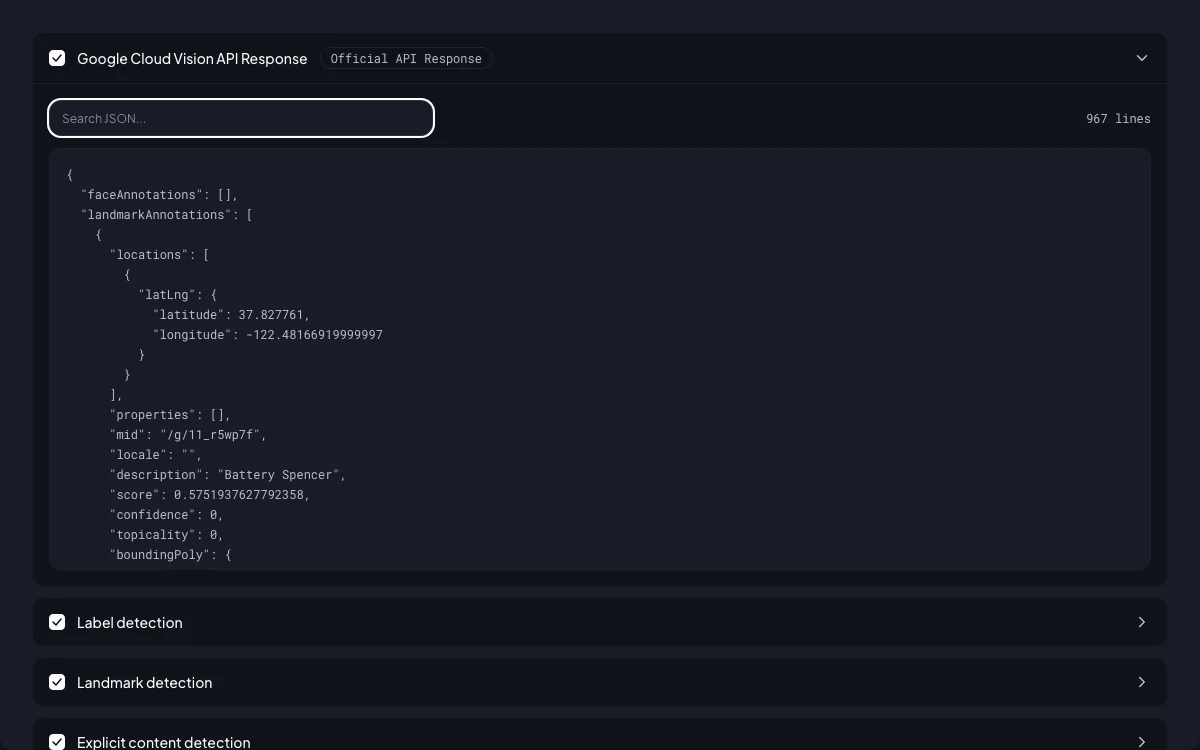
    Returns the complete, structured JSON response from the Cloud Vision API.

    API response

    Output
    • Full AnnotateImageResponse
    • Multi-feature data
    • Raw prediction values
    Filters and sorting
    • Feature key selection
    • Searchable syntax tree
    • Payload export
    Limits

    Maximum API response payload

    Disclaimer

    Direct raw Google Vision API output.

    How-to Guide

Vision AI Explorer © 2026